CoachingBoards.com
Ringette Coaching Board Full Package - V2
Couldn't load pickup availability
Ringette Coaching Board Full Package
- Includes 2 Dry Erase Coaching Boards: 1 Large, 1 Clipboard (While supplies last)
- All Playing surface diagrams are to scale based on the official Ringette rules
- Perfect for providing detailed instruction during a game or practice
- Area for player Line-ups
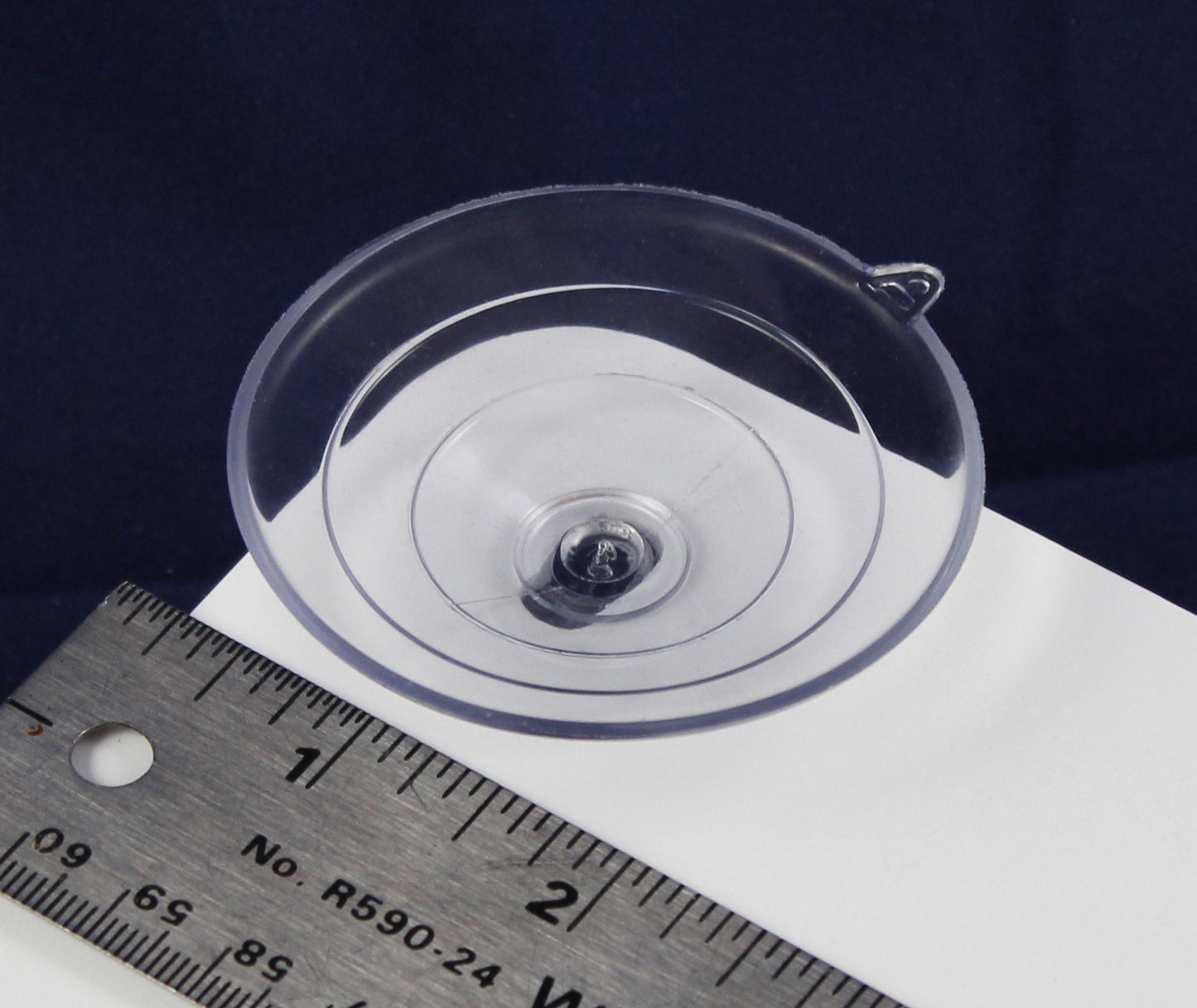
- Large Board has 2 1/2 inch suction cups in each corner for mounting to plexiglass.
- Clipboard has extra large "low profile" Clip (2 Sided board)
- Quality design and realistic color
- Durable plastic, light weight
- Carrying handle on the large board
- Includes 4 Dry Erase Markers + 2 Erasers (no extra cost)
Interested In More Ringette Coaching Boards? See Our Ringette Collection Here.
Share

Design Your Own Coaching Board
Put your team's logo on a pro-quality, to-scale dry erase board. Pick your sport, drop in your logo, and see it before you buy.
- ✓ Free U.S. shipping
- ✓ Includes 4 markers + 2 erasers
- ✓ See your design before you pay
See what coaches have made
Real boards, real team logos. Yours could look like this.
How it works
Done in about two minutes. No design skills needed.
Pick your sport
Choose from 14 to-scale court and field layouts.
Upload your logo
Drag it onto the board and position it exactly how you want.
Add to cart
We print it and ship it to you. Markers and erasers included.
What you get
- Your logo printed on a durable, lightweight dry erase board
- Playing surface drawn to official scale for your sport
- 4 dry erase markers + 2 erasers included (no extra cost)
- Built to last: scratch-resistant, wipes clean
- Carrying handle, ready for the bench or practice
- ✓ Free U.S. shipping
- ✓ Markers + erasers included
- ✓ To-scale, pro-quality
- ✓ Preview before you buy
Ready to build your board?
Step 1: Select Court Type
Select board size
Set the App URL (required) in this block’s settings so the wizard can load. In the theme editor: click this block → set App URL to your app URL (e.g. from pnpm dev) → Save.
Step 2: Upload and Position Your Logo
Upload your logo, then click and drag to position it.