


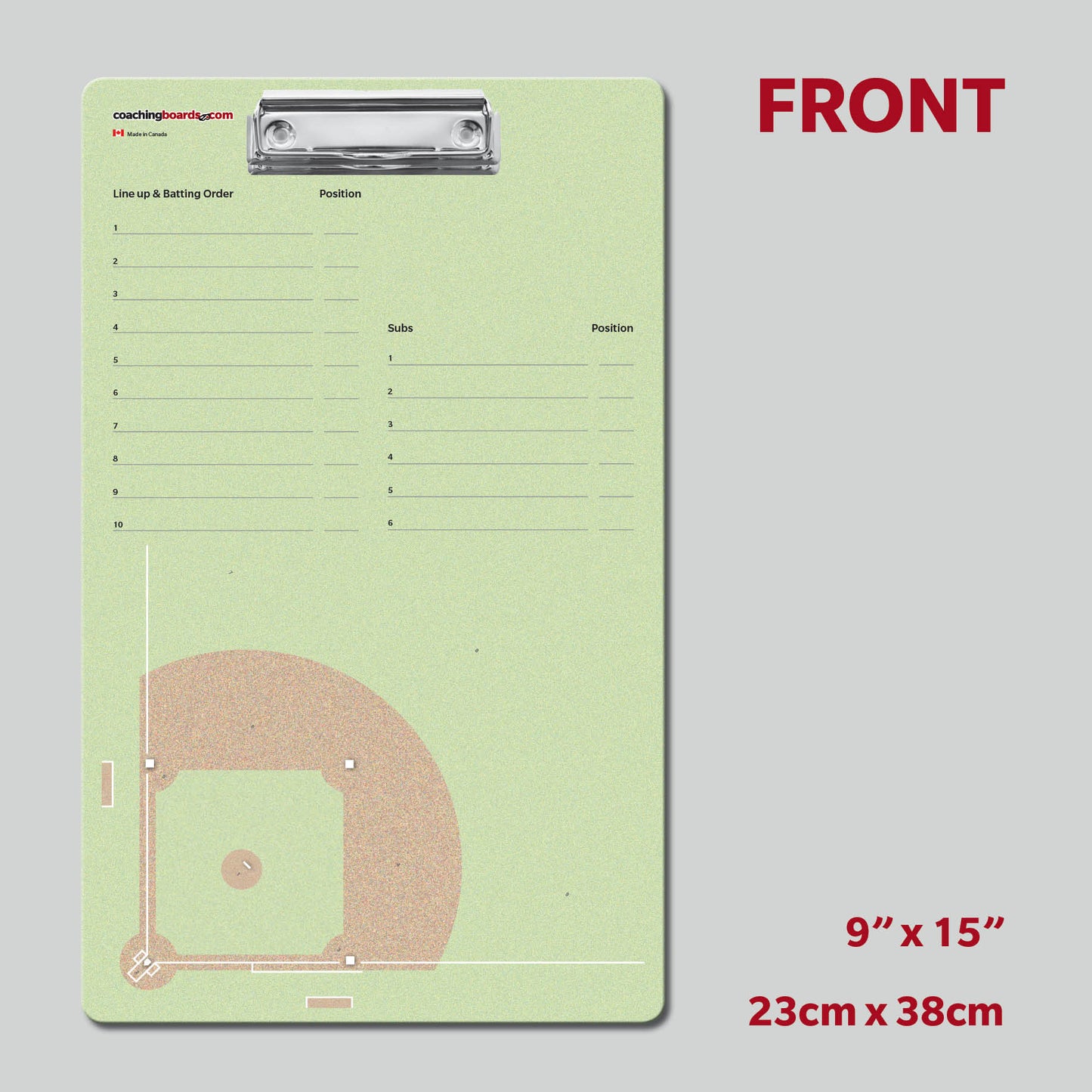
Design Your Own Coaching Board
Put your team's logo on a pro-quality, to-scale dry erase board. Pick your sport, drop in your logo, and see it before you buy.
- ✓ Free U.S. shipping
- ✓ Includes 4 markers + 2 erasers
- ✓ See your design before you pay
See what coaches have made
Real boards, real team logos. Yours could look like this.


How it works
Done in about two minutes. No design skills needed.
1
Pick your sport
Choose from 14 to-scale court and field layouts.
2
Upload your logo
Drag it onto the board and position it exactly how you want.
3
Add to cart
We print it and ship it to you. Markers and erasers included.
What you get
- Your logo printed on a durable, lightweight dry erase board
- Playing surface drawn to official scale for your sport
- 4 dry erase markers + 2 erasers included (no extra cost)
- Built to last: scratch-resistant, wipes clean
- Carrying handle, ready for the bench or practice
FROM
$49.97
Medium $49.97 · Large $59.97
- ✓ Free U.S. shipping
- ✓ Markers + erasers included
- ✓ To-scale, pro-quality
- ✓ Preview before you buy